Frontend Craft for Product Apps That Feel Fast
Patterns for snappy product UI — loading states, caching, and interaction details that make a web app feel native.

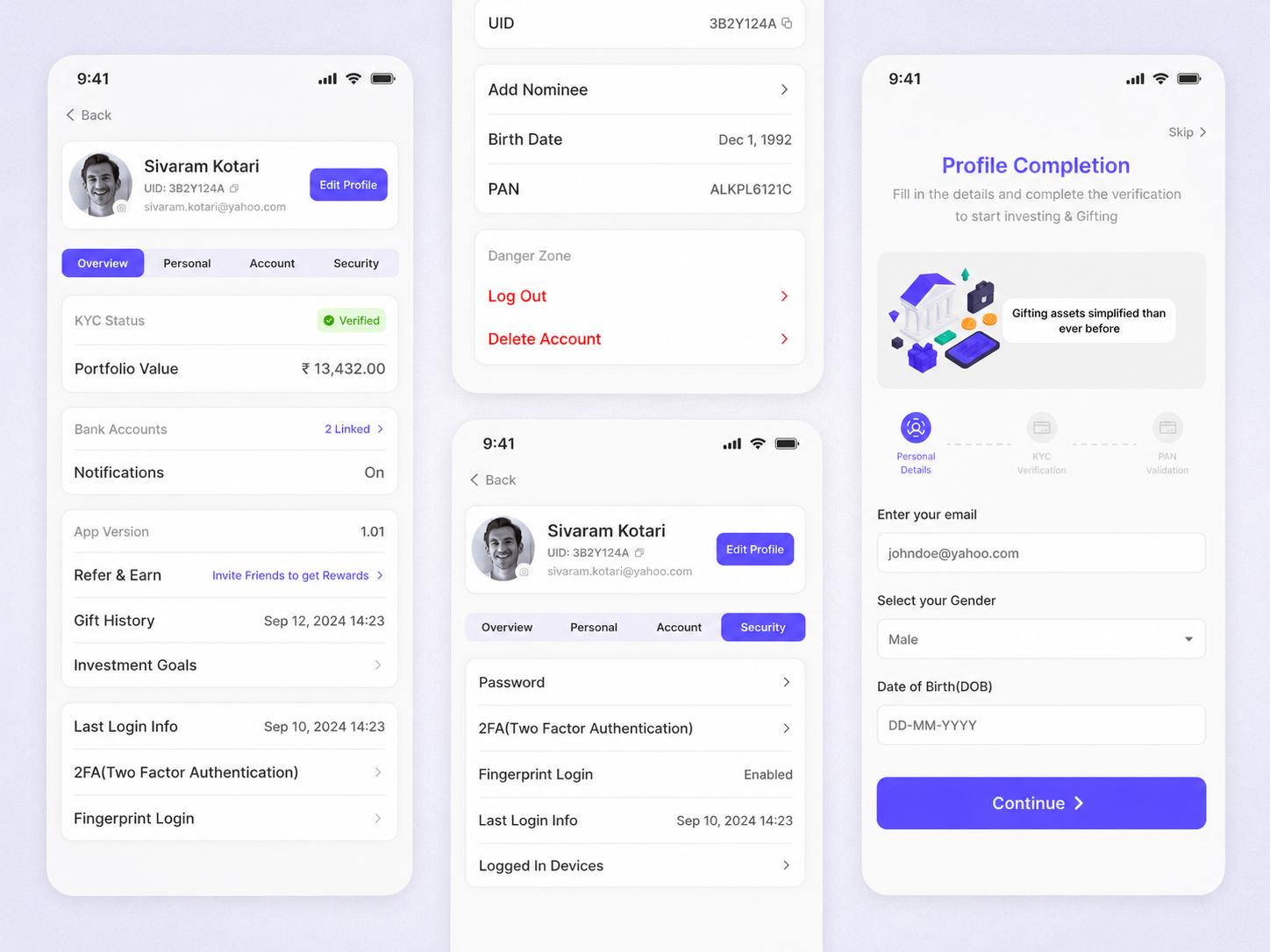
Users don’t grade your architecture. They grade how the product feels under their fingers. Frontend craft is the difference between a dashboard that feels like a tool and one that feels like a waiting room.
Perceived performance first
Optimistic UI, skeletons, and streaming updates often matter more than micro-optimizations. Show progress immediately, keep layouts stable, and never leave a click without feedback.
State with discipline
Server state and client state solve different problems. Mixing them produces flicker and stale bugs. Fetch what the server owns; keep ephemeral UI local; invalidate deliberately.
- Design empty, loading, and error UI before polish
- Prefer stable layouts — avoid content jumping as data arrives
- Debounce expensive input paths; cache repeated reads
- Measure Core Web Vitals on the real routes users hit
“A fast UI isn’t only about milliseconds. It’s about never making the user wonder if their click worked.”
Keep reading
Application Development That Ships: From Scope to Production
How we plan, build, and release applications — clear scopes, weekly demos, and a path to production that clients can actually own.
ReadApplication DevelopmentMobile & Cross-Platform Apps: Choosing How to Build
When to go native, when cross-platform wins, and how we keep application quality high either way — performance, UX, and long-term ownership.
ReadAIModel Routing and Cascades That Cut Cost Without Killing Quality
How to route AI requests across cheap and frontier models — classifiers, confidence gates, cascades, and fallbacks that protect quality while keeping unit economics sane.
Read